Make a song with your AI assistant.
Lathe's MCP connection lets an AI assistant work in your session. It builds the tracks, writes parts, sets up the instruments, mixes and masters, and you play the parts only you can. Ask it for a hand, or let it drive.
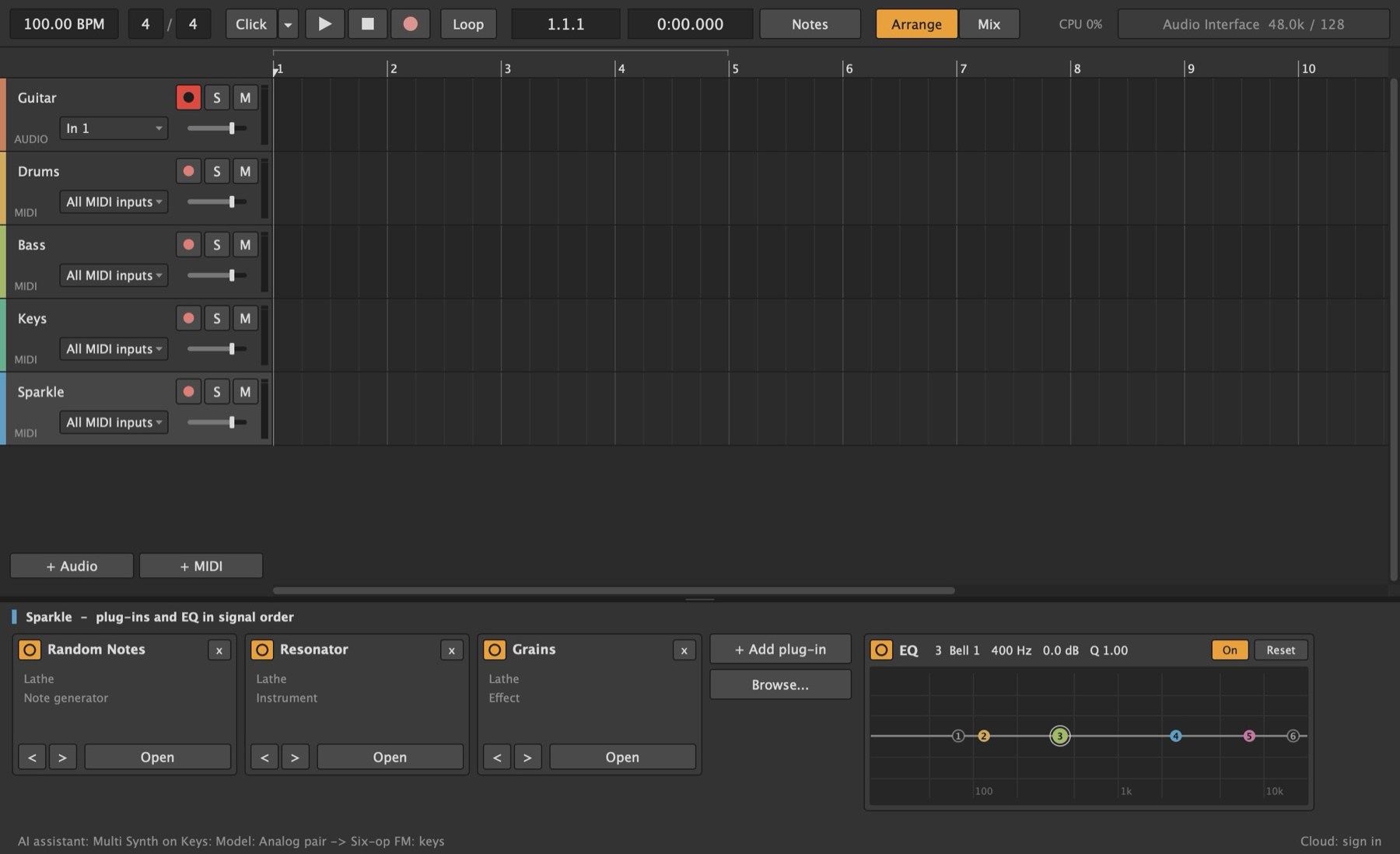
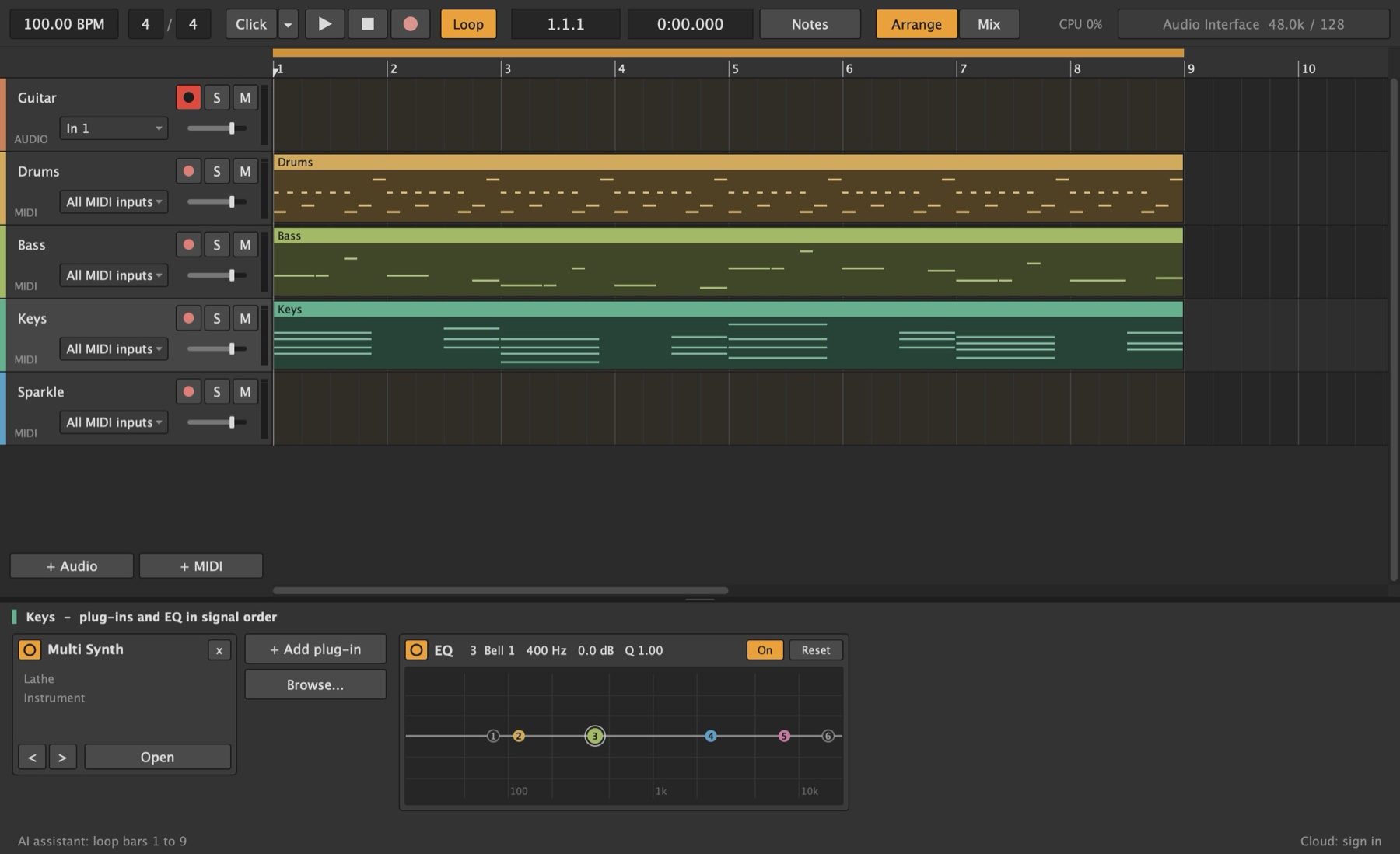
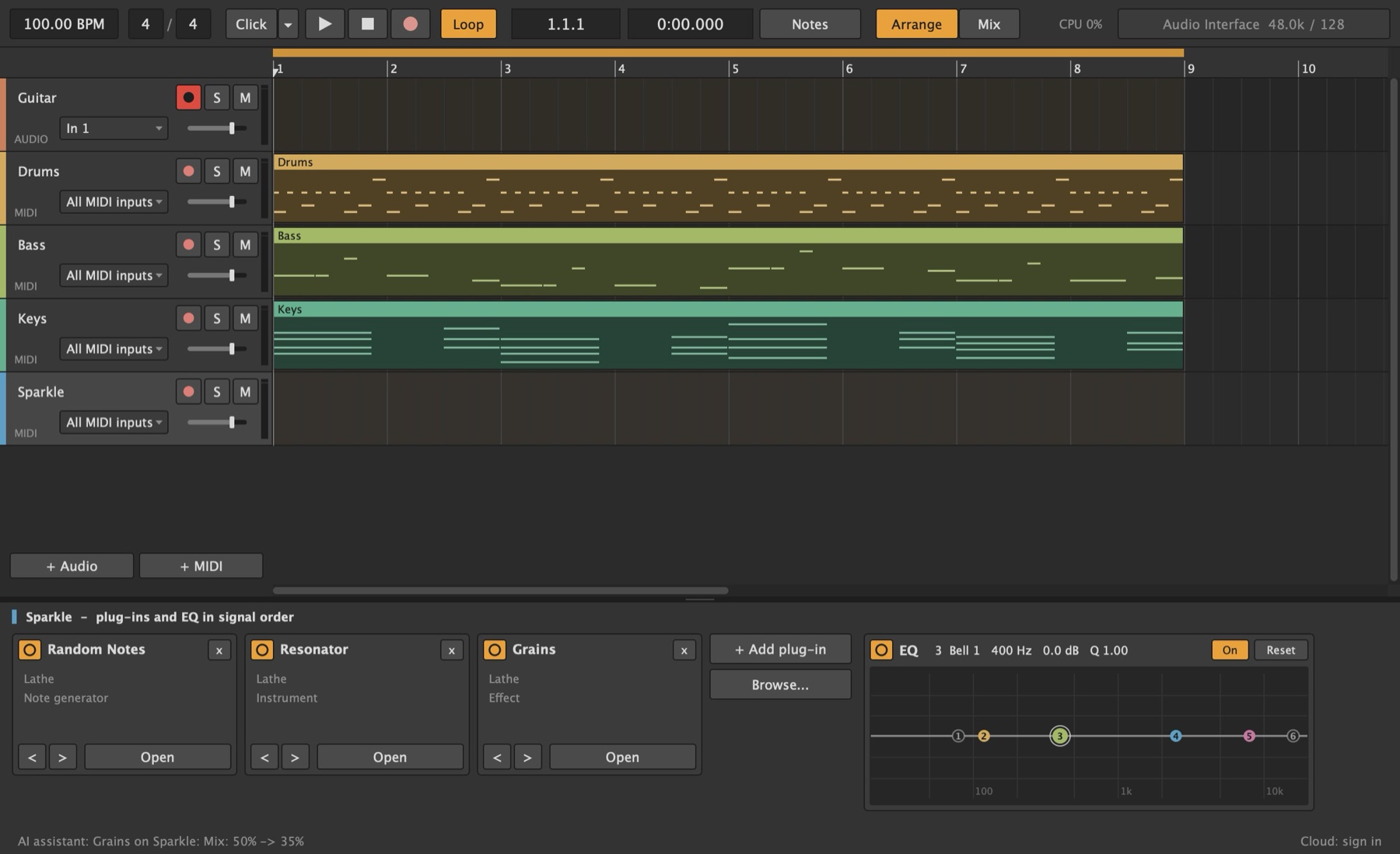
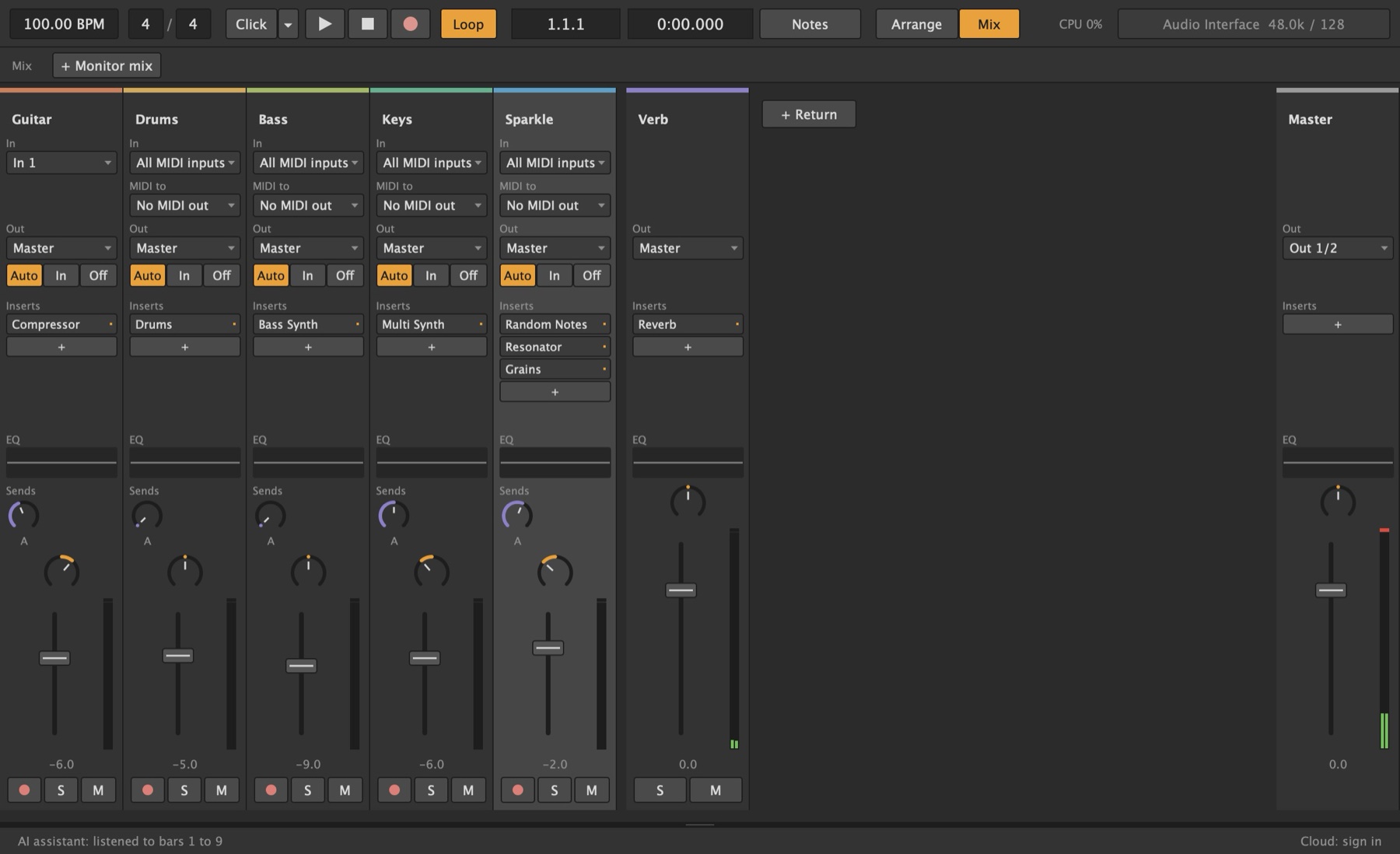
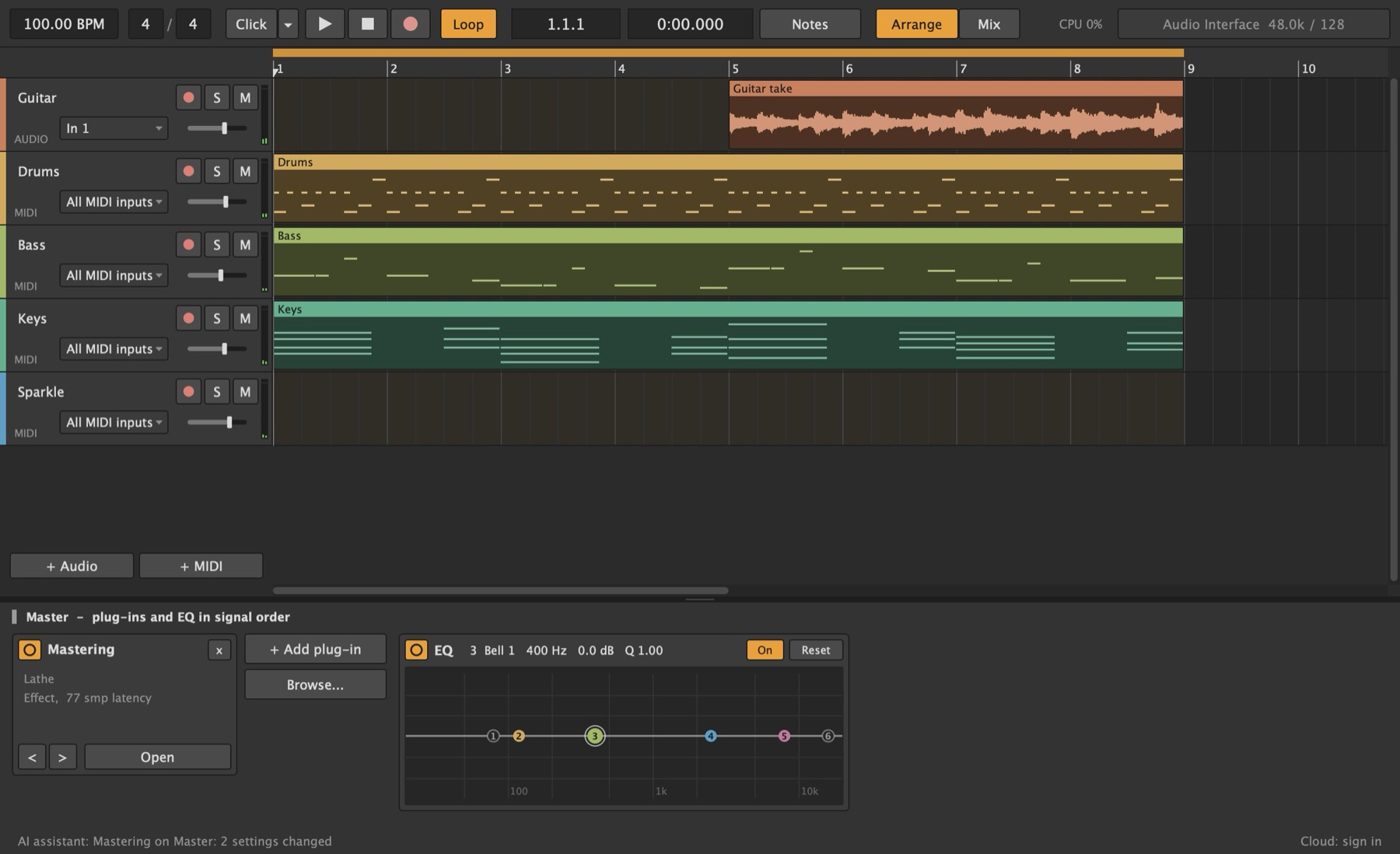
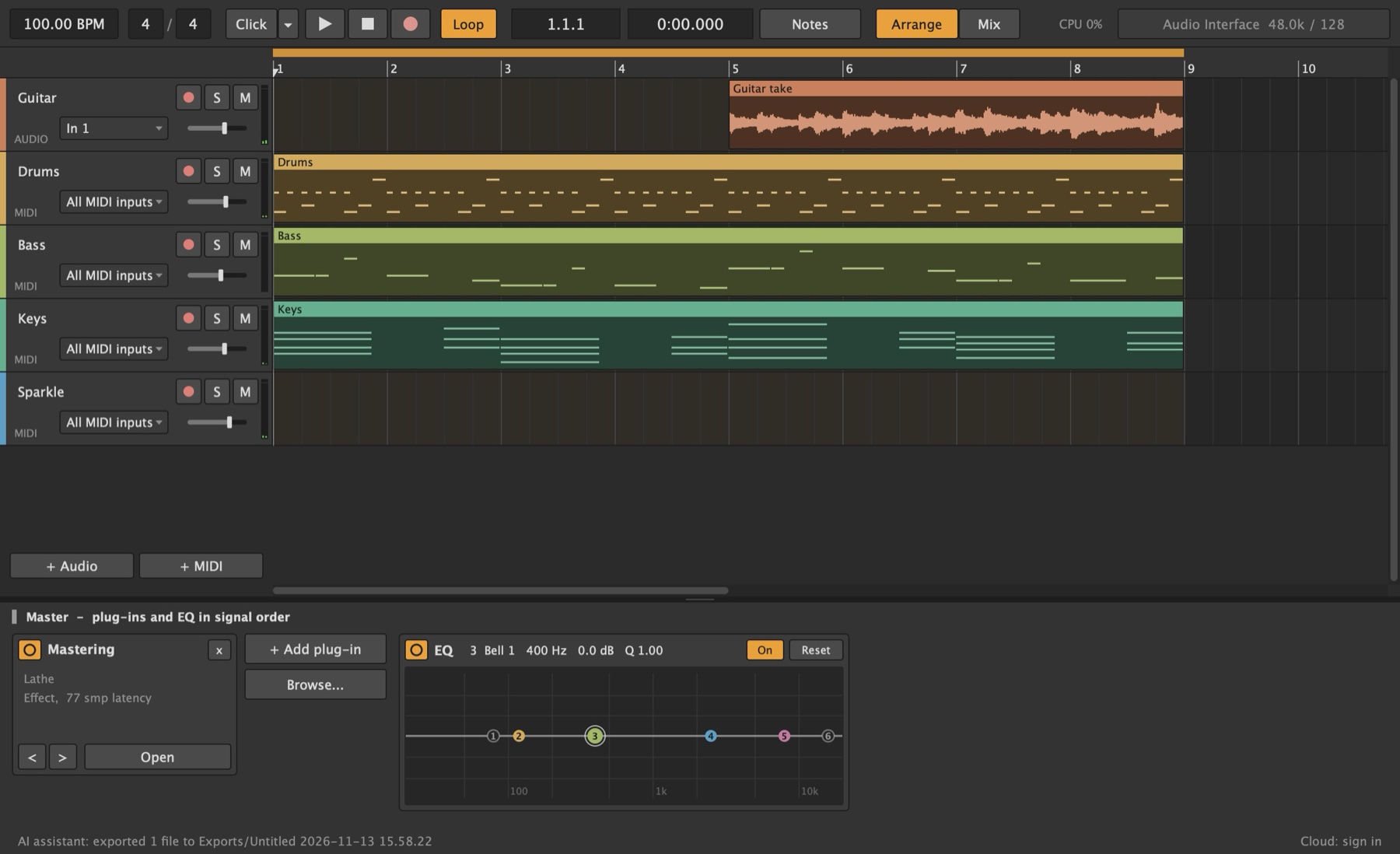
Every picture of Lathe here was drawn by Lathe itself, right after the tool calls shown with it. Nothing is mocked up.
Work the way you want.
The assistant sees the song the way Lathe does: every track and how it's routed, every plug-in and its settings, every clip and note.
- A second pair of handsAsk why the synth went quiet, what the bass plays in bar 5, or for a reverb return the drums send to. It reads the session before it answers.
- Trade partsIt writes the beat and the bassline, you record guitar over them, and it fits the mix around your take.
- Let it driveGive it a brief and let it make the whole song: tracks, notes, sounds, mix. Then make it yours. Play a part again, change a chord, move a fader.
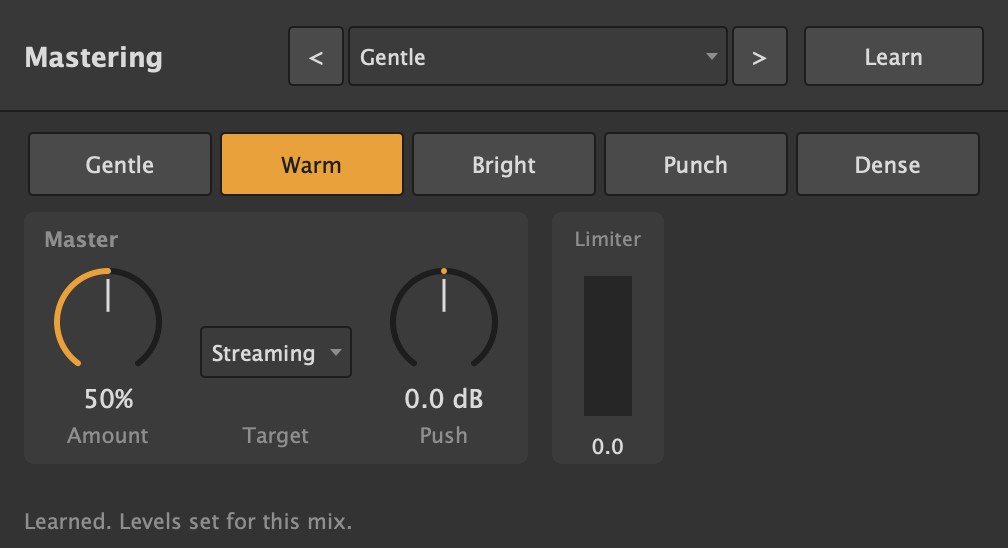
It listens, mixes, and listens again.
Lathe can render the song for the assistant without playing it, and tell it what a mix engineer would check: loudness, clipping, frequency balance, stereo width, which tracks fight over the same frequencies, and which tracks can't be heard. So it can set levels, pans and sends, check what changed, and finish the song with Mastering at a loudness target.
For people who build with agents.
If you make music, video or games with AI, Lathe is a DAW your agent can run from start to finish: new project, a whole session, a mastered WAV.
- Clear tools, clear answersEvery reply says what changed, and what it was before. A setting that's out of range is clamped, and the reply says so.
- All or nothingA batch of changes lands as one undo step. If one can't be made, none are, and the agent is told why. No half-built sessions.
- RepeatableLathe's own instruments need nothing installed, and Random Notes plays the same notes for the same Variation, so the same script makes the same song.
- It can hear the mixanalyze_mix measures the mix and every track: loudness by section, clipping, frequency balance, stereo, and which tracks mask each other. Exports come back with peak, true peak and loudness.
- Your plug-ins tooIt can load your VST3s and set any setting they publish, by name and in their own units.
- Any MCP appClaude Desktop, Claude Code, Cursor, VS Code, or anything that runs a local MCP server.
Everything it can do.
Read the song
- describe_session
- Tempo, transport, every track, return and the master, and likely reasons a track can't be heard.
- describe_track
- One track in full: sends, EQ, what it feeds, every clip.
- get_notes
- A MIDI track's notes, for a clip or a range of bars.
- list_plugins
- Lathe's own devices and your installed plug-ins, marked instrument, note generator or effect.
- get_plugin_params
- Every setting a plug-in publishes, with its value and range or choices.
Listen to it
- analyze_mix
- The mix and every track, rendered without playing: loudness, clipping, frequency balance, stereo, and tracks that mask each other.
Build and change it
- edit_session
- Tracks, returns, plug-ins, routing, sends, levels, pan, tempo and time signature, in one undo step.
- write_notes
- Notes into a track's bars, replacing what was there or adding to it.
- set_plugin_params
- Turn knobs, flip switches and pick from menus, on Lathe's devices and VST3s.
Play it
- play, stop, set_loop
- Any stretch of the song, stopping exactly where it's told.
Projects and files
- new_project, open_project, save_project
- Start, open and save. Unsaved changes are never thrown away unless it's told to.
- export_audio
- The mix and stems as WAV, with the mix's peak and loudness.
Measure
- measure_performance
- Plays bars for real and times every audio block, per track.
- compare_processing_cores
- The same bars on one core and on all of them.
Turn it on.
- In Lathe, open Options > AI Assistant and tick Let AI apps on this computer connect.
- Copy the setup it shows into your AI app.
- Ask for something.
- Off until you turn it onAnd it stays the way you leave it.
- Only on your computerLathe listens on this computer alone, never the network, and refuses requests from web pages.
- A key for each sessionLathe makes a new secret key each time the connection starts, readable only by you, and deletes it when you quit.
- You see what it doesLathe's status bar shows each action, and Cmd/Ctrl+Z takes it back.